
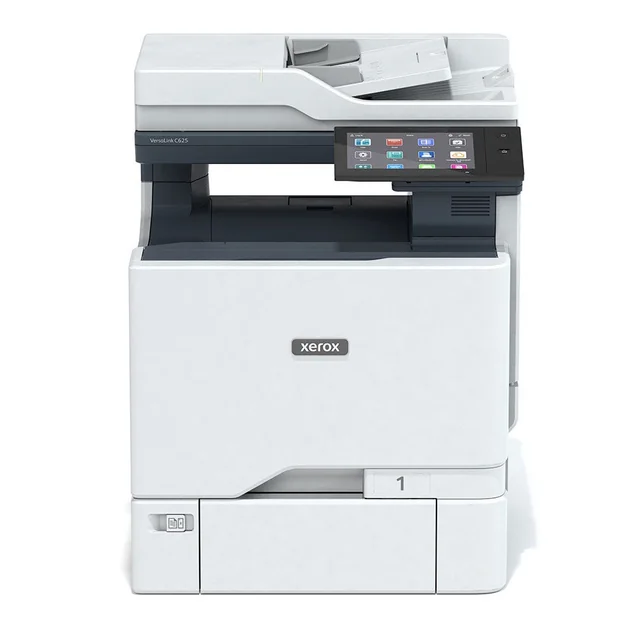
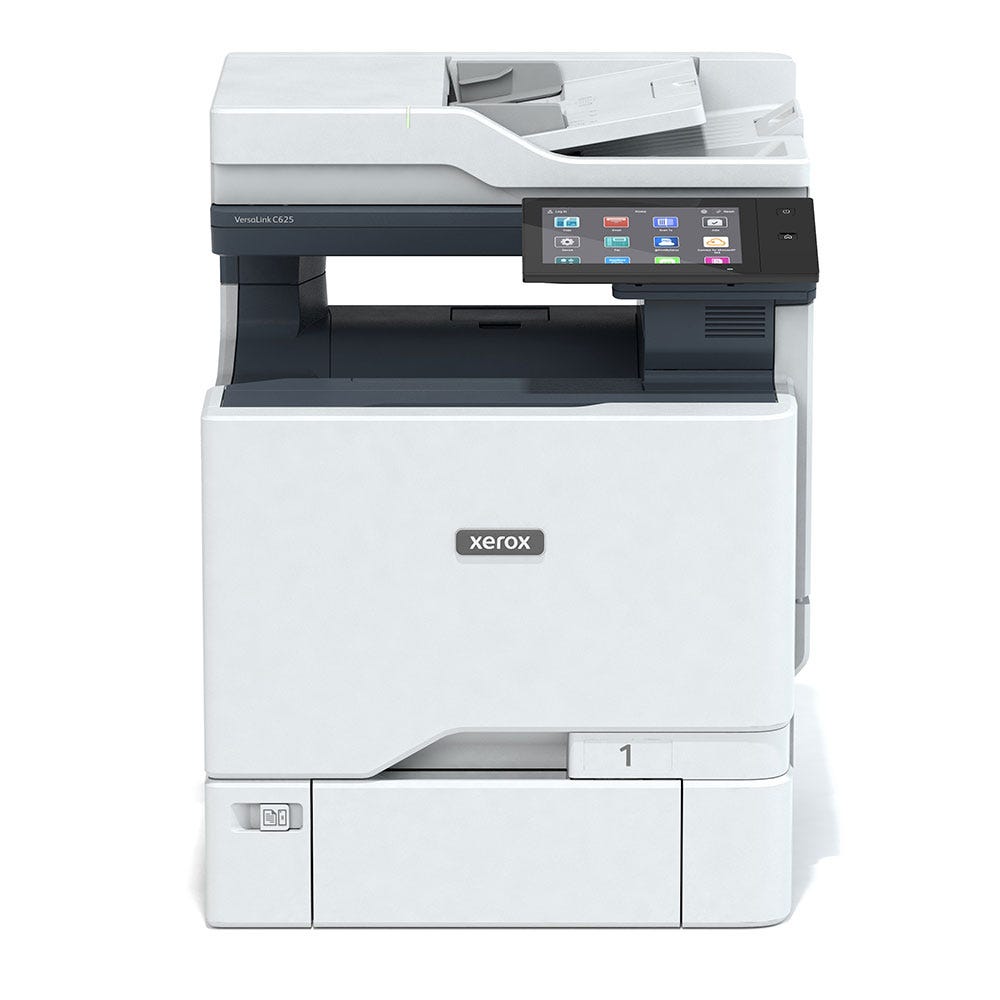
Xerox VersaLink C625
The Xerox VersaLink C625 prints up to 52 letter pages per minute in color or black and white. It handles legal-size paper and has a 100-sheet single-pass feeder rated for up to 104 images per minute when scanning both sides.
Owner feedback and reviewsPublished new equipment price
$3,199.00 listed by Shop Xerox US for a new machine. Checked .
Check availability and price the optional drawers, wireless adapter and on-site coverage you need.
Print and scan specifications
- Letter print speed
- Up to 52 ppm black or color
- Largest standard paper size
- Legal (8.5 × 14 inches)
- Single-pass duplex feeder
- 100 sheets
- Duplex scan speed
- Up to 104 ipm black or color on letter
- Paper input
- 650 sheets standard, 2,850 maximum with options
- Recommended print volume
- Up to 20,000 pages per month
- Peak monthly duty cycle
- Up to 150,000 pages
- Wireless networking
- Optional adapter
What to confirm with the dealer
Confirm whether the quote includes an adapter for Wi-Fi. Run a representative scan batch and test scan-to-folder or email from a staff login. Compare how often you’ll refill the standard tray with the jobs your office actually runs.
For a lease, request the term, end-of-lease terms and service charges for the same configuration and print volume. Use the copier quote checklist.
Can I send scans from the panel to Paige?
The C625 can save a network or email destination. For a panel app, ask for a live demonstration with the quoted firmware and your organization’s installation policy.
Compare routes to PaigeCheck native panel requirementsXerox VersaLink C625 user guide
Explore Paige from Ademero, the company that operates CopierGuide.
Estimate your running costs
Estimate color and mono toner consumption separately. Compare any service minimum and overages with the cost of buying toner and paying for maintenance as needed.
Compare another Xerox model
- VersaLink C415 A lower-priced color option for legal-size jobs. Compare standard input and color scan speed.
What buyers and testers report
In reviews for the C625/DN, one office reported that it scanned large batches quickly. Another reviewer reported repeatedly reinstalling printer drivers and struggling to configure scanning. Test your actual scan destination and driver deployment before choosing a setup.
CDW customer reviews for the Xerox VersaLink C625/DN