
bizhub C360i vs. C361i vs. C451i
Start with a refurbished C360i for 36 ppm color printing if the dealer can warranty the unit and service your office. Price the C361i new for the same rated print speed. Compare the C451i when large two-sided scan batches make the 300-original feeder worth paying for.
Prices, speeds and feeders side by side
The table uses U.S. manufacturer specifications and dated seller listings. Ask for the exact drawers and feeder on each quote.
| Model | 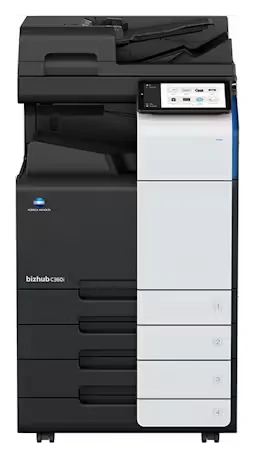 bizhub C360i | 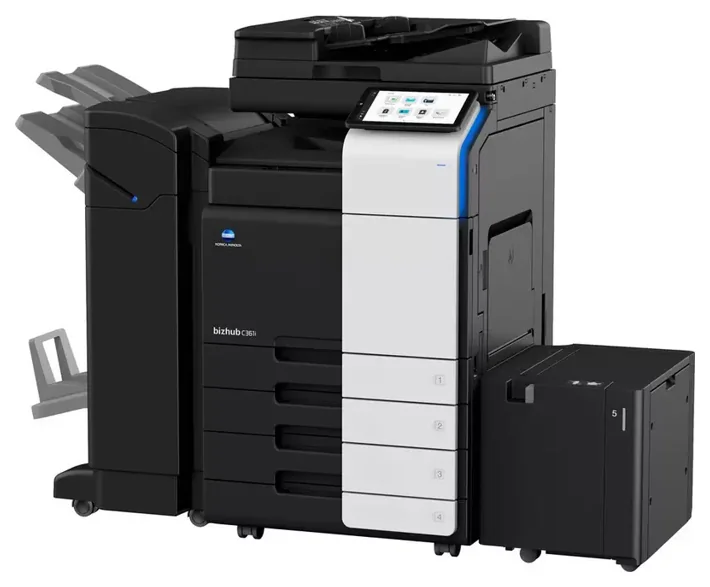 bizhub C361i | 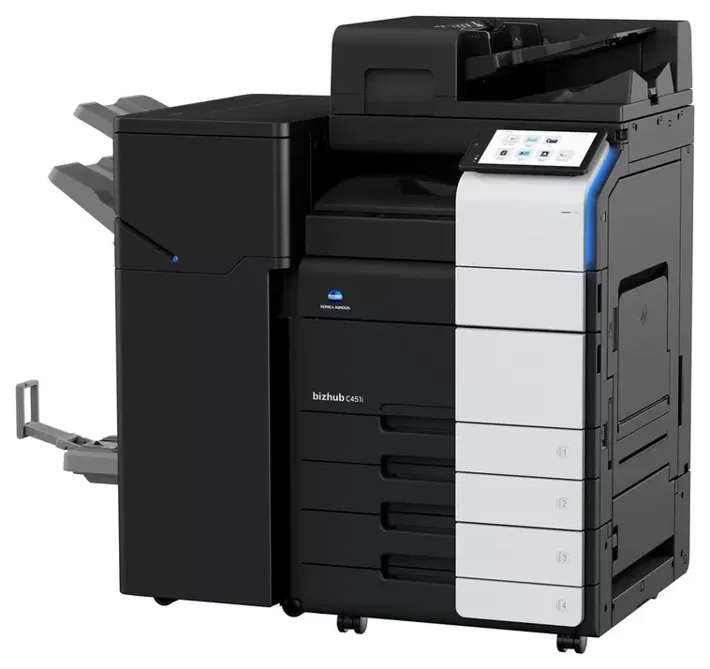 bizhub C451i |
|---|---|---|---|
| Published price | $3,200.00 for a refurbished C360iABD Office Solutions · | Request an installed price | $4,495.00 for a used C451i before selected optionsCopierMax · |
| Letter print speed | Up to 36 pages per minute | Up to 36 pages per minute | Up to 45 pages per minute |
| 11 × 17 print speed | Up to 18 pages per minute | Up to 18 pages per minute | Up to 22 pages per minute |
| Document feeder | Up to 100 originals with an optional feeder | Up to 100 originals with the dual-scan feeder | Up to 300 originals, single-pass duplex |
| Two-sided scan speed | Up to 200 images per minute with the dual-scan feeder | Up to 200 images per minute | Up to 280 images per minute |
| Paper input | 1,150 sheets standard, up to 6,650 with options | 3,650 sheets in the U.S. brochure configuration, up to 6,650 with options | 3,650 sheets in the U.S. brochure configuration, up to 6,650 with options |
| Manufacturer source | bizhub C360i specifications | bizhub C361i specifications | bizhub C451i specifications |
What changes on a 240-sheet batch?
A 100-original feeder needs three loads for 240 two-sided sheets. The C451i’s 300-original feeder can take the same stack in one load when the paper fits the feeder’s specifications. Each machine still needs to capture 480 sides.
Use a stopwatch from the first button press to the last PDF arriving in the folder. Check page count, order and legibility. Repeat at the resolution your team actually uses.
Compare delivered cost
Add delivery, installed options and service over the same period. For used equipment, get the meter count and warranty in writing.
Put the quotes into the copier cost calculatorWhat to put in the quote
- Specify the feeder and trays. Ask for the feeder part number, the 11 × 17 tray, and the finisher you need. Ask the dealer to identify each option separately.
- Set the service terms. Provide your monthly black-and-white and color volumes. Ask for the rate for extra pages, which wear parts the plan covers, and who services your ZIP code.
- Test a saved scan destination. Send a sample under a staff login. Confirm searchability and permissions on the delivered PDF. If the job needs field extraction, test it through the processing system too.