
Konica Minolta bizhub C750i vs. C751i
Both are rated up to 75 letter pages per minute in black and white and 70 in color. Compare what comes with the exact used C750i, what a C751i costs with finishing and installation, and whether either one can scan to your office’s shared folder.
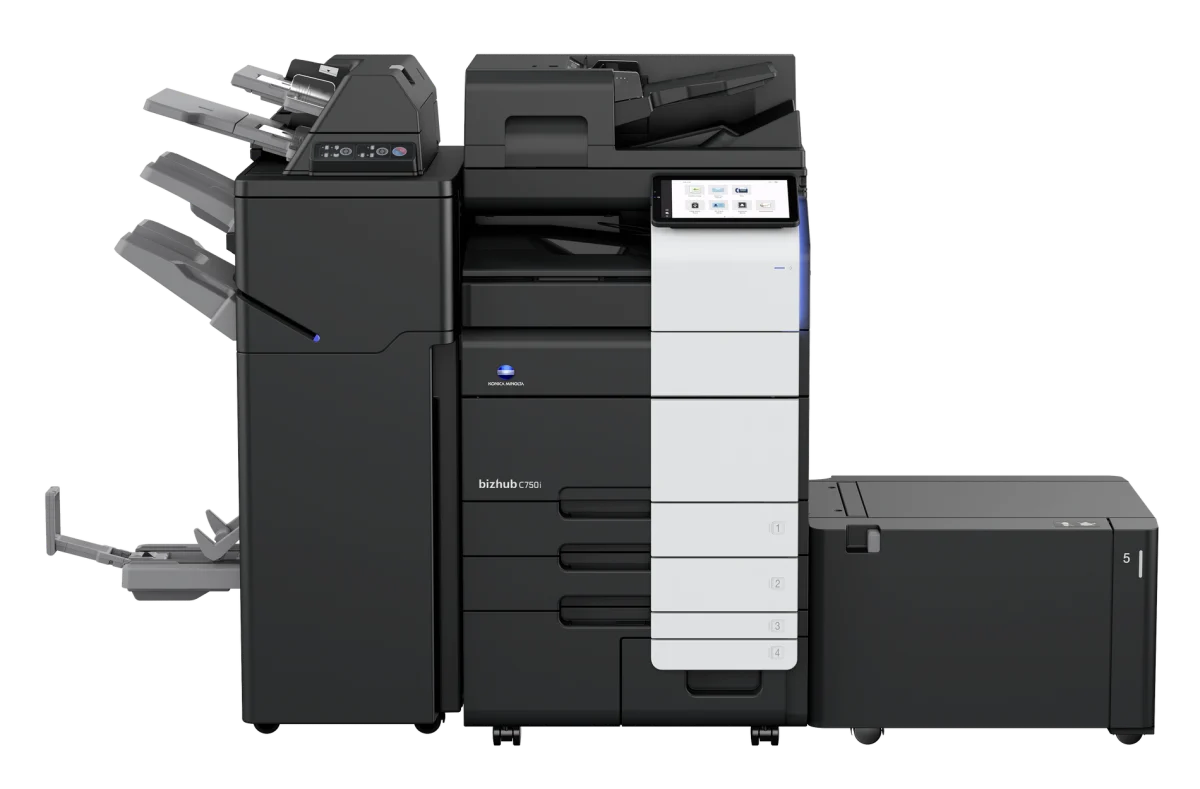 bizhub C750i
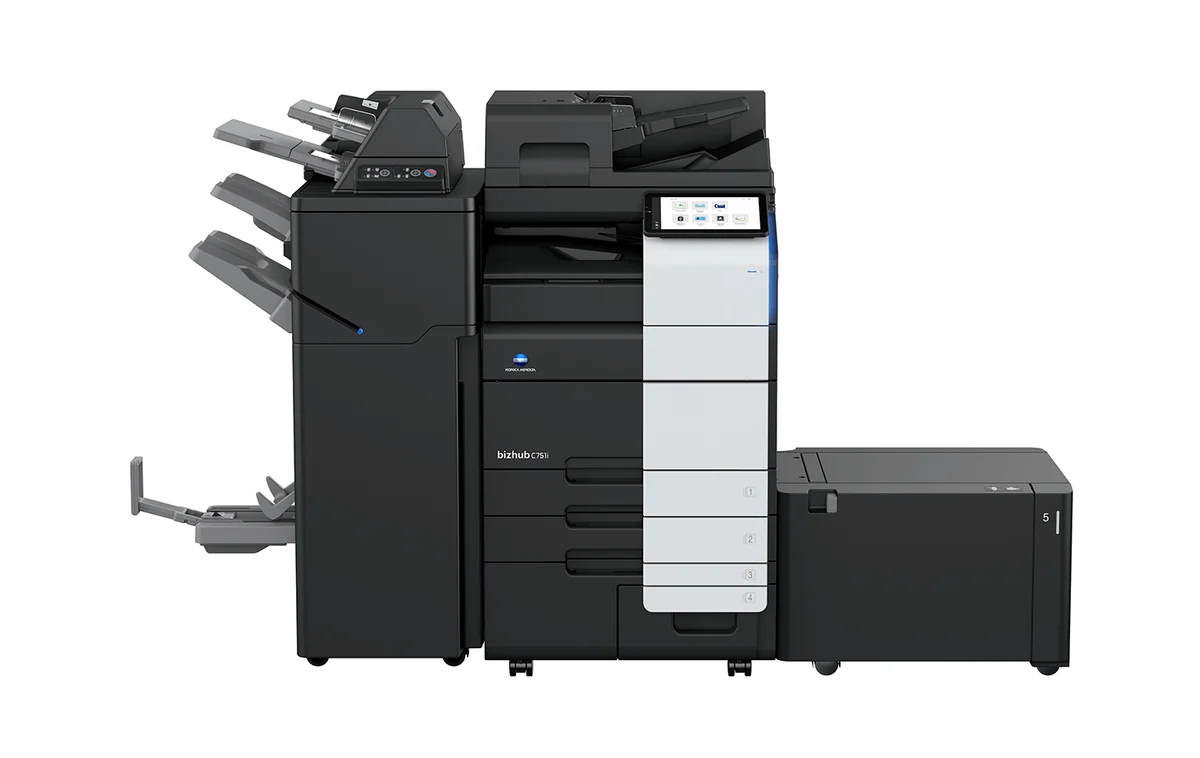 bizhub C751i
Compare the two configurations
| What to check | bizhub C750i | bizhub C751i |
|---|---|---|
| Letter engine speed | 75 ppm black and white / 70 ppm color | 75 ppm black and white / 70 ppm color |
| Standard input | 3,650 sheets including a 150-sheet bypass | 3,650 sheets including a 150-sheet bypass |
| Largest print and scan sizes | 12.25 × 18 inches from Tray 2; 11 × 17 originals | 12.25 × 18 inches from Tray 2; 11 × 17 originals |
| Document feeder | 300-sheet single-pass duplex | 300-sheet single-pass duplex |
| Two-sided scan rating | Up to 280 images/min at 200 dpi | Up to 280 images/min at 200 dpi |
| Shared-folder protocol | SMB 3.0 in the manual | SMB 3.1 in the manual |
| U.S. power rating | 120 V, 16 A, 60 Hz | 120 V, 16 A, 60 Hz |
| Manufacturer sources | Manual specifications | Manual specifications |
Konica Minolta’s U.S. C751i sheet reverses the black-and-white and color figures on one line. Its own duplex row, printer manual and A4 specifications support the 75 black-and-white / 70 color order. The 280-image scan rating uses 200 dpi and excludes Compact PDF. Time your own job from the feeder to the destination.
Used asking price, new contract price and an approved lease
Equipment Brokers Unlimited listed a used C750i at $3,995.00 with 22,634 impressions, an IC-420 Fiery controller and a staple finisher when checked on . Confirm the unit is available and ask for current meters, inside placement and the warranty terms in writing.
The August 2026 price catalog, page 18 lists the C751i base unit (ADXD011) at $13,929.99 for eligible Sourcewell buyers. Standard delivery in the continental U.S. and basic network setup are separate lines in the catalog. The former is listed at no charge and the latter at $850.00.
Hanover Park, Illinois, approved a 48-month C751i lease in January 2025. Its equipment and service lines added to $632.72 per month for the village’s terms. See the lease and service breakdown.
Berkley, Michigan, approved a different C751i configuration at $278.27 per month for equipment plus metered service. Estimate the Berkley bill at your volume.
- FS-539 · up to 50 sheets stapled
- $1,347.50 for the finisher. $16,127.49 for the unit, listed basic network setup and that finisher. Confirm any required transport hardware and ongoing service separately.
- FS-540 · up to 100 sheets stapled
- $2,570.57 for the finisher. $17,350.56 for the unit, listed basic network setup and that finisher. Confirm any required transport hardware and ongoing service separately.
Test the scan workflow and security settings
Use the Konica Minolta instructions for SMB Send to send the test job from the panel to an approved folder. Ask IT which SMB version and authentication settings the receiving server requires. Confirm the PDF preserves both sides and opens at your destination.
For indexing or routing after the scan, a Windows machine with access to the folder can send matching files into a Paige scan job. See the copier-to-Paige walkthrough or the Paige document capture product. CopierGuide is operated by Ademero.
For a procurement that requires a specific certification, check the C751i certificate and configuration. It covers the FK-514 option and G00-RB firmware. The earlier C750i certification is in the JISEC archive.