
Brother MFC-L5915DW vs. MFC-L6915DW vs. Xerox B415
The Brother MFC-L5915DW is the lowest-priced of the three and is rated for up to 8,000 printed pages a month. The MFC-L6915DW raises that to 16,000 and holds a full ream in its main tray. The Xerox VersaLink B415 is rated for 20,000 pages and has the largest feeder for two-sided originals.
Prices, paper trays and scan speed
All three print black and white on letter and legal paper and scan two-sided color originals. Paper input includes the multipurpose tray. The monthly figures are manufacturer recommendations for printed pages.
| Buying factors | 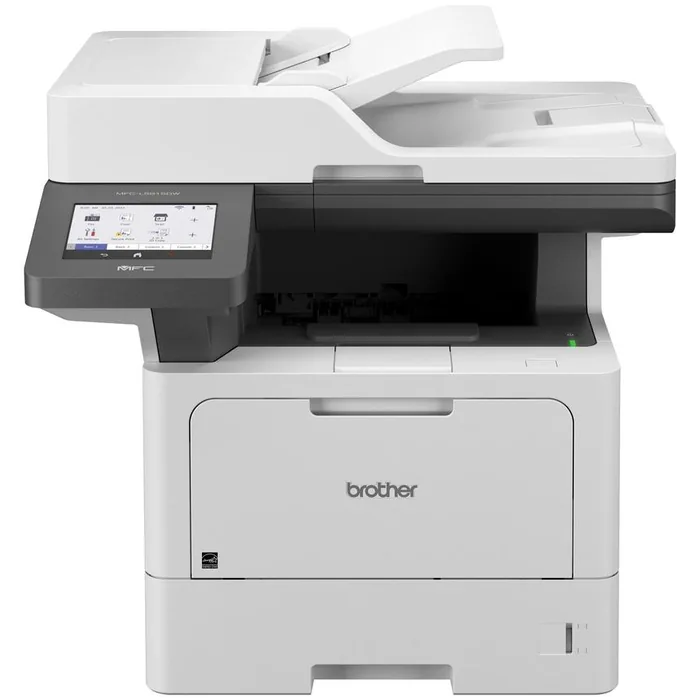 Brother MFC-L5915DW | 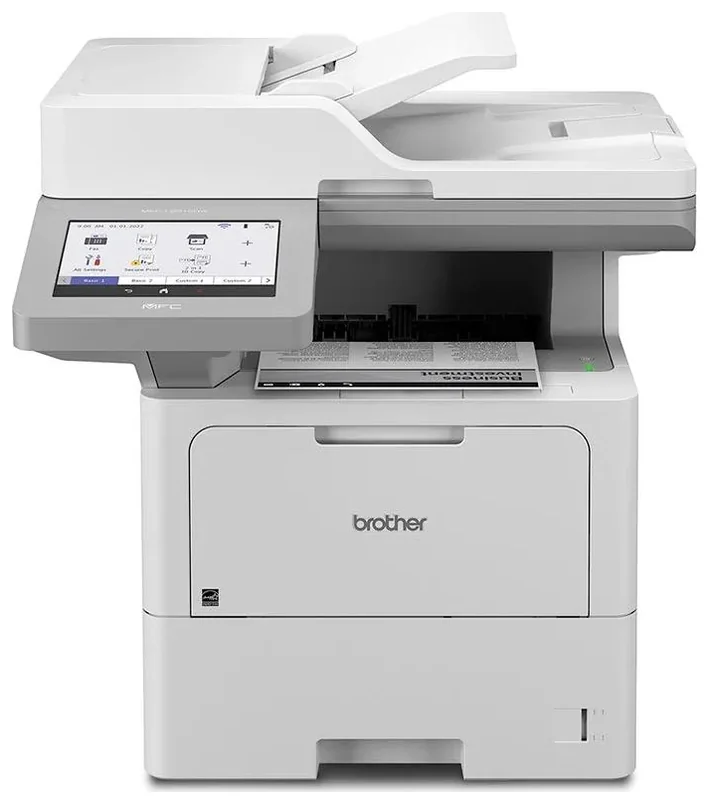 Brother MFC-L6915DW | 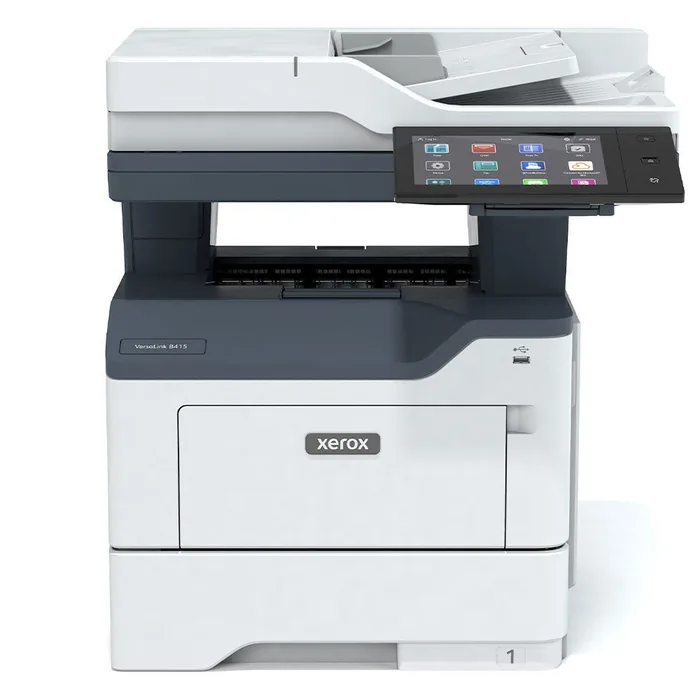 Xerox VersaLink B415 |
|---|---|---|---|
| New equipment listing | $589.99 Brother US | $859.99 CDW | $1,399.00 Shop Xerox US |
| Letter print speed | 50 ppm | 52 ppm | 50 ppm |
| Recommended monthly pages | 8,000 pages | 16,000 pages | 20,000 pages |
| Standard paper input | 350 sheets | 620 sheets | 650 sheets |
| Duplex feeder capacity | 70 sheets | 80 sheets | 100 sheets |
| Duplex scan rate, black / color | 60 / 42 ipm | 104 / 62 ipm | 104 / 84 ipm |
| Wi-Fi | Built in | Built in | Optional adapter |
| Manufacturer source | Brother MFC-L5915DW specifications | Brother MFC-L6915DW specifications | Xerox VersaLink B415 specifications |
Equipment listings exclude separately quoted options and service. CDW displays its listing with a sign-in prompt. Confirm checkout pricing and availability with each seller.
Which fits your office?
At 6,000 pages a month, start with the MFC-L5915DW. It has a 250-sheet main drawer. If staff regularly alternate between legal and letter, quote the second drawer and test a single mixed-size job from your own software. An owner reported difficulty with that setup. Brother’s reply points to the tray and driver settings. Read the Brother owner feedback.
At 12,000 pages a month, shortlist the MFC-L6915DW and B415. Get replacement supply prices by SKU. Brother lists the TN925 toner for up to 25,000 pages on the L6915DW and specifies a separate DR925 drum. Ask each dealer what the service price includes and how quickly a technician can reach your ZIP code. Brother TN925 yield.
For batches of 81 to 100 original sheets, the B415 can take the stack in one load. Xerox also rates its two-sided color scanning at 84 images per minute, where each side counts as one image. A 90-sheet packet has 180 images and takes two loads on either Brother. Count the files that reach your destination and time when the last PDF opens. Read the B415 operator feedback.
Run the same job on each quote
- Print your usual packet. Use the actual letter and legal trays, two-sided settings and paper weight. Check the tray selection in the application staff use.
- Send a two-sided scan from the panel. Start with a representative stack. Check the side count, orientation, OCR and file size at the destination. If the device writes to an approved shared folder, Ademero’s Paige can monitor that folder from Windows and send files into a capture job. Test that downstream step with the sample. Ademero operates CopierGuide.
- Compare delivered cost and coverage. Put the same monthly page count on each quote. Ask for any extra tray, wireless adapter, setup, supplies, wear parts and on-site service as separate lines.