
Canon imageFORMULA P-215 vs. P-215II
Both Canon scanners have a 20-sheet feeder and scan both sides. Read the full model name on the label before downloading a driver. If your current unit handles your batches and works on the computer you use today, test it before buying a replacement.
Which Canon downloads do you need?
- Original P-215
- Canon lists a 20-sheet feeder, originals up to 8.5 × 14 inches and USB 2.0 or 3.0. Its up-to-15 ppm black-and-white rating specifies the power connections and test settings. Check the operating system and downloads on the original model’s support page. Canon P-215 support
- P-215II
- Canon lists a 20-sheet feeder, legal-size scanning and a card slot. Select your operating system on its own support page. Check driver, application and card instructions for the exact unit. Canon P-215II support
Test the scanner you already have
- Use the real workstation. Select the exact model and OS on Canon’s site. Check that your usual scan application can see the device using an approved driver.
- Count the sides. Scan 12 numbered two-sided sheets at the settings staff use. With blank-page removal off, confirm the PDF shows all 24 sides in order. Repeat with legal paper if your office needs it.
- Open the finished file. Check readability and whether staff can find the file at the intended destination. If you buy used, ask the seller to repeat that test and list the cable, condition and return terms.
Compare the Brother ADS-1800W
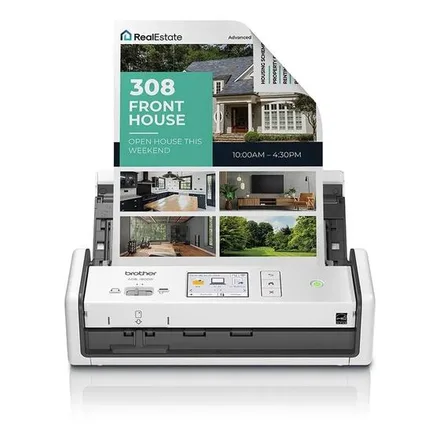
Brother listed the ADS-1800W at $324.99 on November 29, 2026. It adds USB-C, Wi-Fi and a touchscreen, and Brother rates it up to 30 ppm. It still takes 20 paper sheets at a time, so a 60-sheet stack takes three loads on either scanner.
If the machine lives at a shared desk, confirm the connection and preset your staff will use. If you need to scan cards, test the card slot and both sides on the exact model. Brother U.S. price and specifications
Check the work after the scan
Test the driver and preset first. If staff still sort files or key fields by hand, try approved sample PDFs in CapturePoint 6 from Ademero on a Windows PC. Ademero operates CopierGuide.