
Where to buy a business copier
Buy online when a desktop printer meets the job and your team can set it up. Ask a local dealer for an installed quote when you need 11 × 17 paper, finishing or on-site service. For a refurbished unit, confirm who will repair the exact machine before it ships.
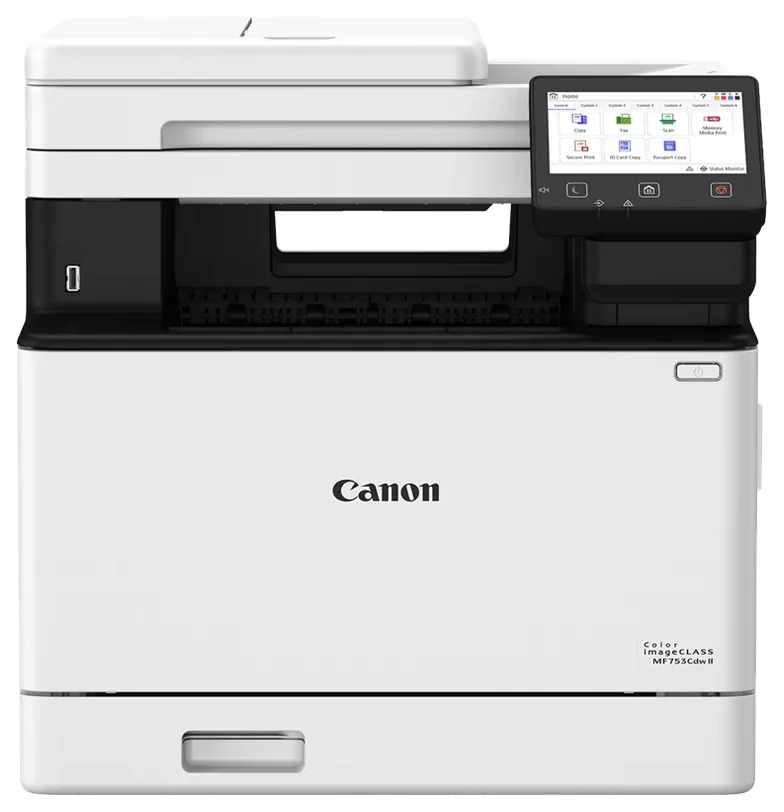
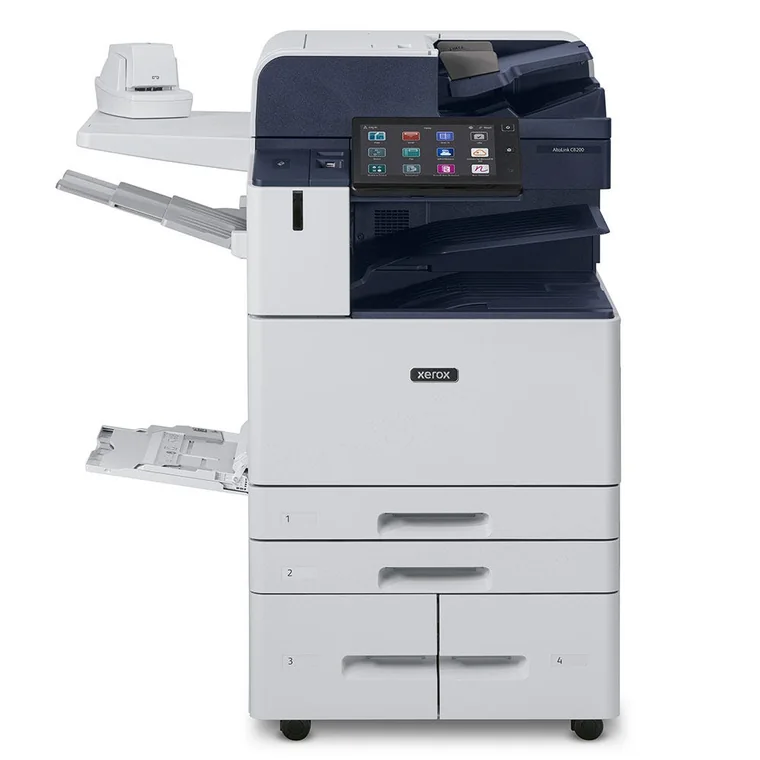
What each seller is quoting
These U.S. examples show what the seller included. The machines serve different jobs. Prices checked .
Buy a desktop model online
Choose this route for Letter and Legal if your staff can load the trays, connect the printer and handle returns. Check the size and cost of a replacement toner set before you order.
Canon listed the MF753Cdw II at $436.99 on promotion through , with a regular price of $702.99. The listing is for SKU 7185C011. Check your current cart price before buying. Canon’s online listing
Get an installed dealer quote
Choose this route for a floor-standing office copier when your team needs inside delivery, network setup, finishing or on-site support. Confirm the price for the exact tray and finisher combination.
Xerox Northeast showed $9,250 for the high-capacity tray configuration of the AltaLink C8230 plus $899 for delivery, setup and training. That makes $10,149 due at purchase in that example. The page bills service by the pages printed. Xerox Northeast’s quote builder
Find copier sales offices by ZIPConsider a refurbished copier
Start with the exact unit, condition and service coverage. Ask the seller to send a dated meter report and written return terms, then check delivery and installation at your ZIP.
Two sellers listed refurbished bizhub C360i units at $2,899 to $3,200. Verify the installed feeder, electrical label and service costs before choosing. Preowned Konica · ABD Office Solutions
Use the inspection checklistCompare the written offers before paying
- Which machine will arrive?
- Match the model, U.S. part number, paper trays, feeder and finisher. For used equipment, get the serial number, meter report and list of parts the seller replaced.
- Who puts it to work?
- Ask whether freight ends at the curb, loading dock or copier room. List network setup, staff training, stairs or elevator access, and removal of the old machine separately.
- Who repairs it at your ZIP?
- Get the company name, on-site coverage, warranty period and what you pay for travel, labor, toner and parts. If service is billed per side, ask about minimums and how 11 × 17 counts.
- What happens if the machine fails the test?
- Use the same paper, a two-sided scan and an agreed destination in each demo. Write down the return window, who pays freight and how the seller handles a failed delivery or setup.
Test the entire scan job before accepting delivery
Send a regular two-sided batch from the copier to the approved folder or application. Open the result and check page order, legibility and who can access it. If your staff extract invoice data, import the same PDF into Ademero’s CapturePoint 6 to test field extraction and filing on a Windows PC. Ademero operates CopierGuide.
Follow the copier-to-CapturePoint setup guideGet an installed price for your ZIP
Give each seller the same page volumes, largest sheet and scan job. Compare the equipment, setup and service lines in writing before you order.