
CopierGuide multifunction printer and copier brand logo
Home
Products
Solutions
Services
Resources
Dealers
Get a Quote
CopierGuide Logo

Your trusted partner in finding the perfect business copier solution. Compare top brands and get competitive quotes.

Products

  • Browse Copiers
  • Top Brands
  • Compare Models

Solutions

  • Small Business
  • Enterprise
  • Healthcare

Resources

  • All Resources
  • Buying Guides
  • Glossary
  • Lease vs Buy

Help & Advice

  • Help & Advice
  • Copier Terms
  • Blog
  • Support

Company

  • About Us
  • Find Dealers
  • Contact

Call us

863-937-0272

Email us

solutions@ademero.com

Coverage

Nationwide Service

© 2026 CopierGuide. All rights reserved.

Privacy PolicyTerms of ServiceCookie PolicyAccessibility
51-500 employees

Mid-Market Solutions

Mid-market companies need powerful, scalable copier solutions that can support multiple departments and locations. Our recommendations balance enterprise capabilities with mid-market budgets, offering advanced features without the complexity of enterprise systems.

Request Enterprise QuoteView Solutions

Key Priorities for Mid-Market

What matters most when selecting a copier for your organization

Critical

Performance & Speed

High-volume capabilities to support multiple departments and heavy workloads

Critical

Multi-Department Support

Customizable workflows and permissions for different teams and user groups

Critical

Advanced Security

User authentication, data encryption, and audit trails for compliance

High Priority

Integration

Seamless connection to existing systems, cloud storage, and document management

High Priority

Centralized Management

Fleet management tools to monitor devices across multiple locations

High Priority

Cost Control

Detailed reporting and analytics to track usage and reduce waste

Focus on What Matters Most

For mid-market organizations, focus on performance & speed, multi-department support, advanced security as your primary selection criteria. Everything else can be evaluated based on your specific needs and budget.

Copiers worth comparing

Start with the paper sizes, print volumes, and scan batches your team handles. Ask dealers to price the same equipment and service options.

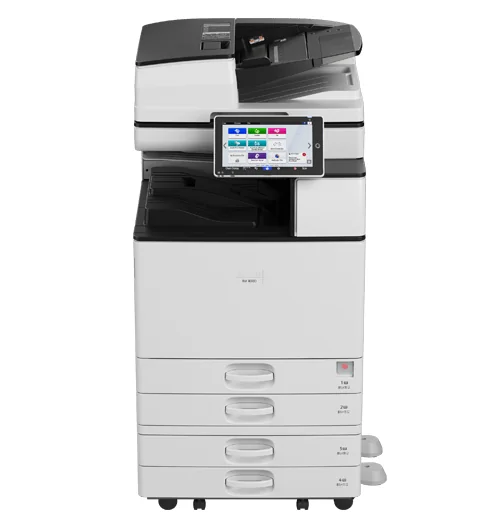
Ricoh IM 4000

Ricoh IM 4000

Monochrome ledger output for departments that scan batches.

Request current pricing

View specifications
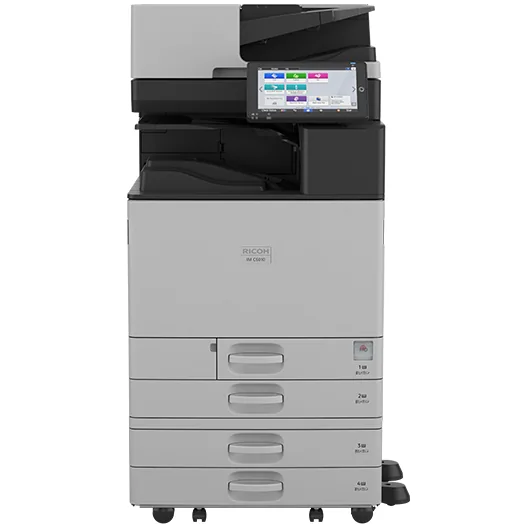
Ricoh IM C4510

Ricoh IM C4510

A color workgroup copier for 12 × 18 output and frequent scanning.

Request current pricing

View specifications
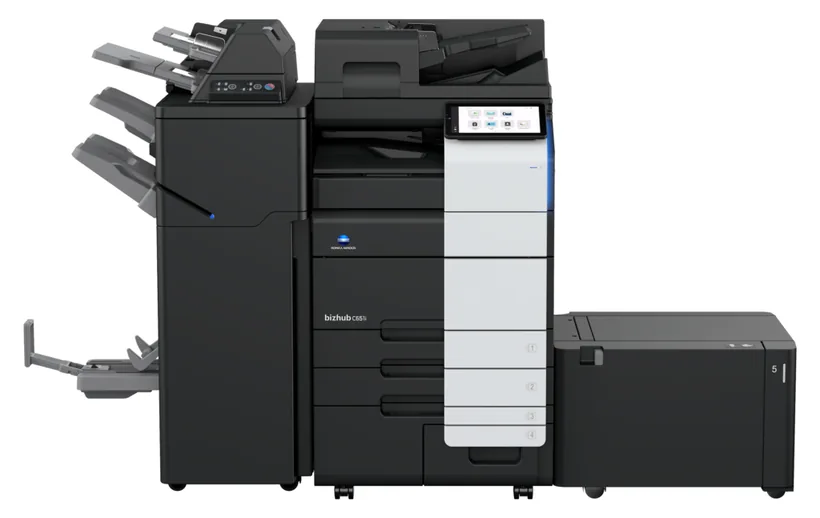
Konica Minolta bizhub C651i

Konica Minolta bizhub C651i

A 300-sheet feeder and finishing options for shared departments.

Request current pricing

View specifications
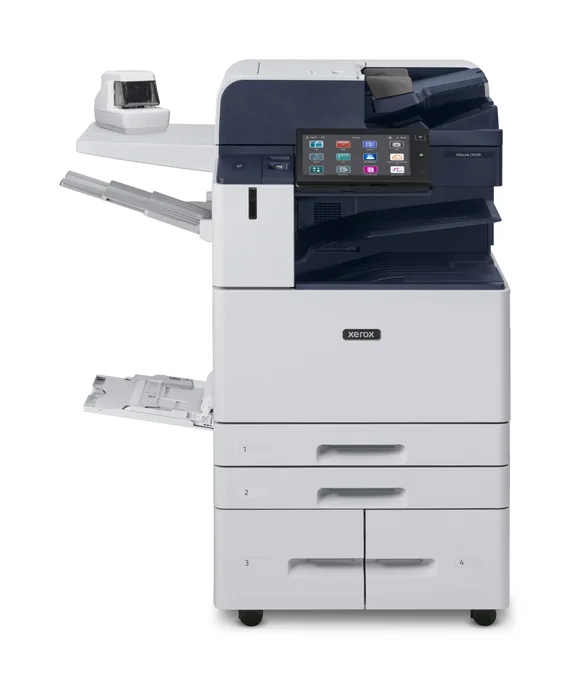
Xerox AltaLink C8255

Xerox AltaLink C8255

Color production for shared offices that need 12 × 18 printing.

Request current pricing

View specifications
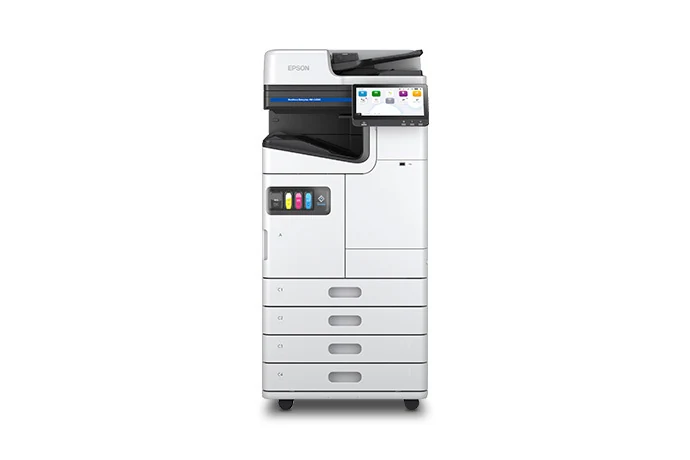
Epson WorkForce Enterprise AM-C4000

Epson WorkForce Enterprise AM-C4000

An inkjet alternative for offices that print at ledger size.

Request current pricing

View specifications
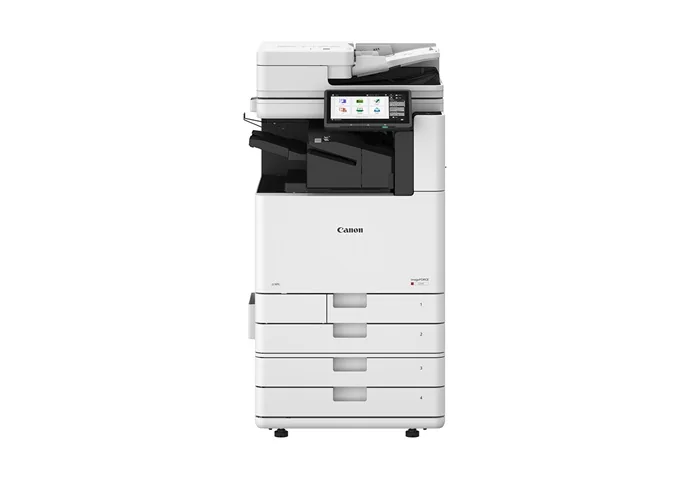
Canon imageFORCE C3150

Canon imageFORCE C3150

Color output and fast two-sided scanning with a supported feeder.

Request current pricing

View specifications

Compare equipment and service costs

  • Track page counts by department and color mode before sizing the fleet.
  • Ask whether the service minimum and included pages apply per device or across the fleet.
  • Itemize installation, scan setup, finishing options, and end-of-lease return fees.
Compare copier lease quotesCalculate lease and purchase costs

Feature Priorities

What features to focus on (and what to skip) for mid-market organizations

Must Have

Essential features

High monthly duty cycle (50,000+ pages)
Fast print speeds (45+ ppm)
User authentication and access controls
Data encryption and secure print release
Network scanning with OCR
Mobile and cloud printing
Remote monitoring and diagnostics
Customizable workflows
Finishing options (stapling, hole punch)
Comprehensive service agreement with SLA

Nice to Have

Valuable additions

Fleet management software
Advanced finishing (booklet making)
Integration with document management systems
Embedded apps and customizations
Pull printing / follow-me printing
Detailed usage reporting and cost allocation
Multi-language support
Touchscreen with customizable interface
Automated meter reading
Preventive maintenance alerts

Skip These

Usually not worth it

Production-level color management
Envelope feeders (unless specific need)
Large-format printing capabilities
Professional binding and trimming
Multiple internal finishers
Extreme high-speed (100+ ppm) unless justified
Professional graphic arts features
💡

Pro Tip

Focus your budget on the "Must Have" features. The "Nice to Have" features can often be added later as upgrades or through software updates. Avoid paying for features in the "Skip These" category unless you have a specific, documented need.

Mid-Market Challenges & Solutions

Unique challenges for growing organizations and how to address them

Challenges

  • •Managing multiple devices across different locations
  • •Supporting diverse department needs with limited IT staff
  • •Controlling costs as printing volume increases
  • •Ensuring security and compliance across the organization
  • •Balancing departmental autonomy with centralized control
  • •Justifying capital expenditure to leadership

Solutions

  • ✓Implement fleet management software for centralized monitoring
  • ✓Standardize on one or two brands for simpler maintenance
  • ✓Use cost-per-copy agreements to make costs predictable
  • ✓Deploy managed print services for proactive support
  • ✓Create departmental workflows and access controls
  • ✓Invest in models with upgrade paths as you grow

Avoid These Common Mistakes

⚠Under-estimating future growth and buying too small
⚠Choosing different brands for each location (support nightmare)
⚠Not implementing user tracking and cost allocation
⚠Ignoring security features until after a data breach
⚠Buying individual devices instead of fleet agreements
⚠Not negotiating multi-year service contracts
⚠Failing to integrate with existing document management
⚠Over-complicating workflows in the initial deployment

Scale Your Document Management

Partner with us for mid-market solutions that grow with your business.

Request QuoteSchedule Consultation