
Ricoh IM C6010SD
The Ricoh IM C6010SD prints 60 pages per minute in color or black and white. Its 300-sheet straight-path feeder handles plastic cards and carbonless forms, with two-sided scanning rated up to 200 images per minute.
Published Sourcewell equipment price
- $11,203.15Sourcewell schedule published by Lee County schools · published base equipment price for eligible public buyers, SKU 423748. Checked .
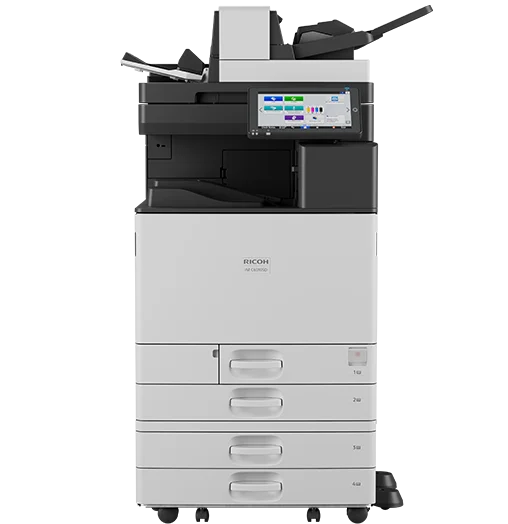
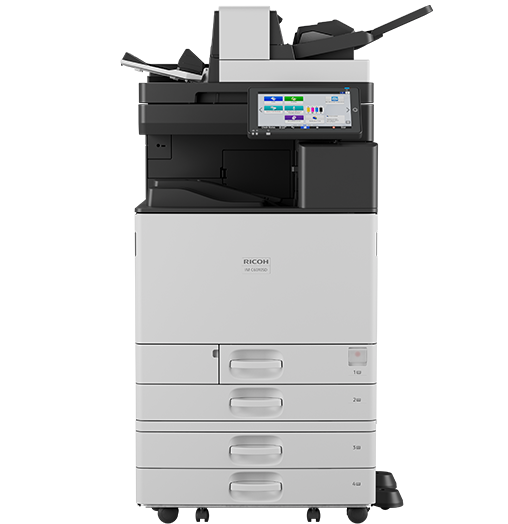
Which 6010 and feeder do you need?
The IM 6010 prints in black and white. The color C6010 scans up to 300 images per minute in duplex with a 220-sheet feeder. The color C6010SD scans up to 200 images per minute in duplex and holds 300 sheets in a straight-path feeder that handles specialty originals.
Print and scan specifications
- Letter print speed
- 60 ppm in black and white or color
- Print resolution
- Up to 1,200 × 1,200 dpi
- Largest sheet in Tray 2
- 12 × 18 inches
- Paper input
- 1,200 sheets standard / 4,850 with options
- Document feeder
- 300-sheet straight-path single-pass duplex
- Rated scan speed
- 100 ipm one-sided / 200 ipm two-sided
- Originals supported
- 38–413 gsm plain paper, carbonless forms and plastic cards up to 1.4 mm thick
- Optical scan resolution
- Up to 600 dpi
- Scan destinations
- Email, network folder, USB, URL and FTP
- Searchable PDF
- Optional Type M52 OCR unit or optional software
- Base dimensions
- 23.1 in wide × 27.6 in deep × 40.6 in high
What to confirm with the dealer
Bring redacted samples of the cards, receipts and forms you handle. Compare them with a full ordinary-paper batch. Ask for a current equipment and maintenance quote that names the exact feeder and scan destinations.
Compare the 6010 feeders, prices and scan time at your batch size
For a lease, request the term, end-of-lease terms and service charges for the same configuration and print volume. Use the copier quote checklist.
Can I send scans from the panel to Paige?
Yes. Set a panel shortcut to an approved network folder and use Paige Folder Monitor to send files from that folder to a processing job. Ask for a demo of the route your office will use before ordering.
Compare the other Ricoh IM C models
- IM C4510 Start here for large scan batches and print jobs that fit comfortably at 45 ppm.
- IM C6010 Move up to 60 ppm if sustained print runs or a shared print queue regularly cause delays.
- IM C7010 Price the 70 ppm model when long print runs are frequent. Test the exact finisher and job separation you need.